
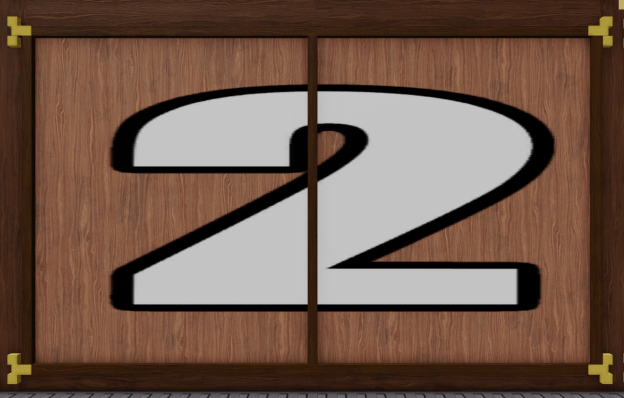
Hello there last-minute update lovers of Roblox, WoodReviewer here with day 2 of my 2024 Advent Calendar. Sorry if this blog post is a bit late, but this blog post was originally going to focus on CSG modeling and how to use proper wood grain with it, but I then discovered 95% of the way through this post that Roblox is working on a new CSG system that completely changes how wood grain orientation is calculated on unions, so I scrapped that post and gift for now. So with that gift gone, today’s gift is much simpler, and should show you the absolute basics of how wood grain works. So, what is it?
It is a window frame.

So why a window frame? Apart from the fact it is quick to build to help with my time crunch, it also helps showcase one of the most basic parts of wood grain: The grain on pieces of wood that are in difference directions cannot be the same. In this case, the grain on the top part of the frame is horizontal, and the sides is vertical.

Another thing this helps showcase is how there are different ways you can build it, and how they can have different outcomes. Take this first way, where you duplicate and extrude a brick similar to how you would model in Blender.
First you have the initial brick.
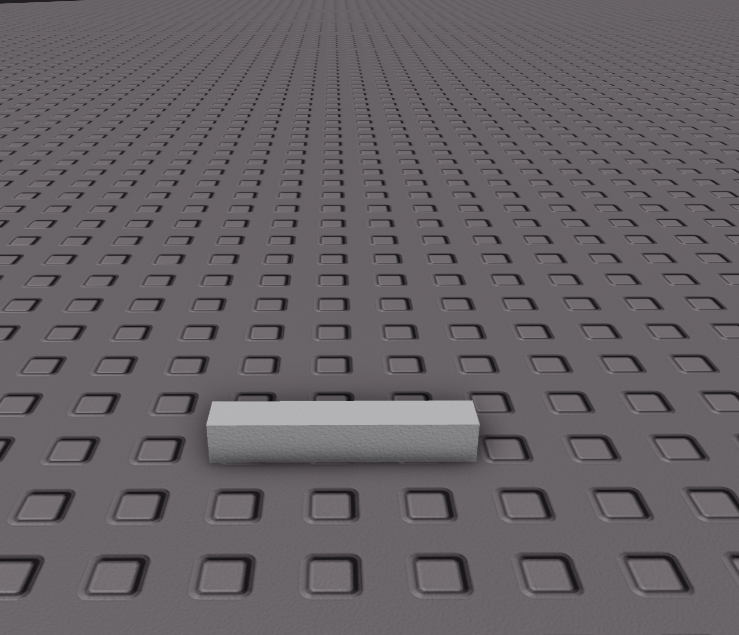
Then a duplicate cube that is resized.

And then the brick is “extruded upwards.

Then you do it the same with the other top and bottom segment and the frame is done.

However, doing it this way will result in wood grain that is all in the same direction, which is wither correct for the vertical or horizontal parts of the frame, but not both.

Now lets compare it to the more classical Roblox approach. Here you have the same starter brick but you rotate it so that it is vertical.
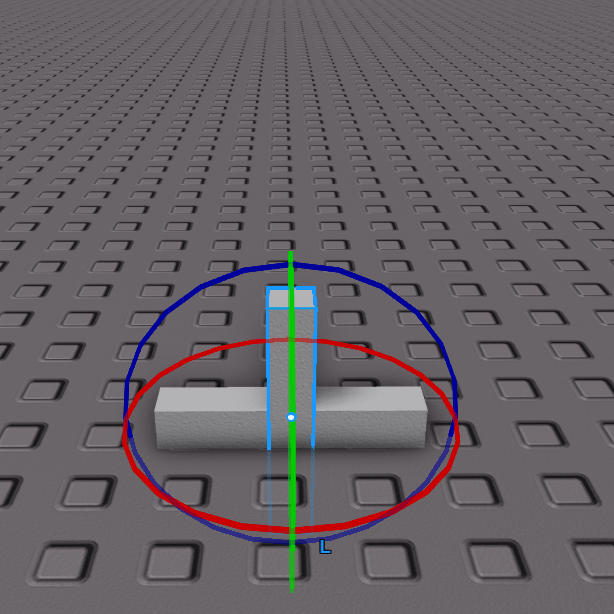
Then you move it and resize it so it is in the correct posistion.
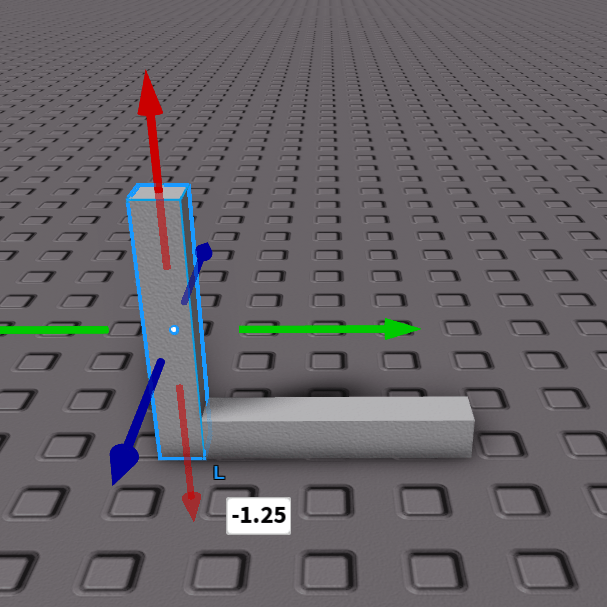
Then you do the same with the other two segments.

And voila, the window frame has either entirely correct wood grain, or entirely incorrect wood grain since the initial brick was entirely rotated. I am just good at wood grain so I know the directions the grain faces even on gray box builds, those of you who are less skilled should set the wood grain at the first step.

There is a cheat code that makes this easier: MaterialFlip by Stravant.
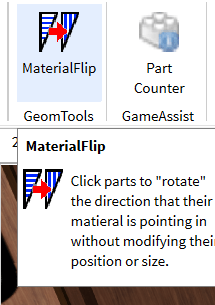
Here by simply clicking on a wooden brick it will change the orientation of the wood grain, so in the case of the first example it can be fixed in two clicks.
Before.
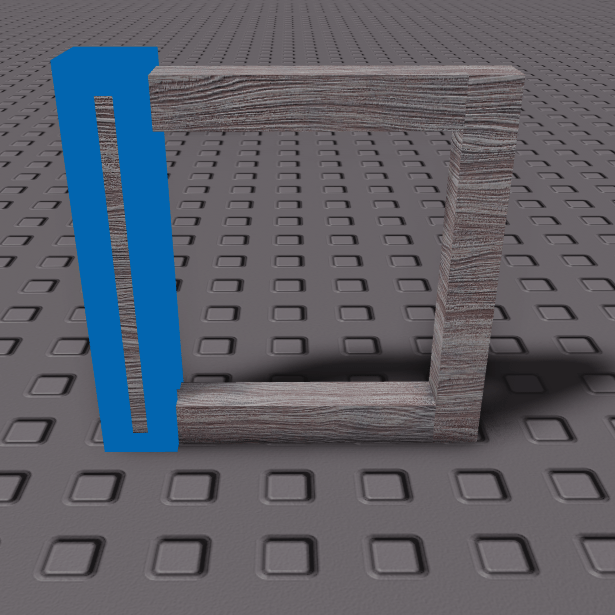
After.

So, what was the entire point of this blog post? Well, one it was to brag how I can spot Blender users based on how they make the wood grain in their game. Secondly, it is to show how you need to constantly adjust wood grain while you are building because if it is correct in one spot that doesn’t mean it is correct in every spot. And third and finally, MaterialFlip makes it super easy to fix issues with wood grain and you shouldn’t say it takes too long.
 WoodReviewerRBX
epic
LikeLike
i think i love you
LikeLike