
Hello there fence lovers of Roblox, WoodReviewer here with day 10 of my 2024 Advent Calendar. I hope you are ready, because today’s post is a bit of a long one, as I discuss not one but two different systems that involve wood grain. What are they? Why the CSG system. And the CSG system, because Roblox just dropped a new CSG beta that it seems like it will be switching over to shortly. So, what gift do I have that demonstrates both systems?
Why a segment of fence.

Now this fence is interesting for two reasons. The first is that it is the first unioned part to make an appearance in this years calendar, and the second is that Roblox just released a new CSG beta system a month ago that changes how wood grain orientation works on CSG models so I have to explain this twice to account for those who are on the new system.
Let’s start off with the old CSG system since it is what everyone should be used to using. Under the old system the orientation of the textures in a union was based on the first brick selected. So for this fence picket I first selected the brick on the bottom, then the wedges on top when I unioned the selection.
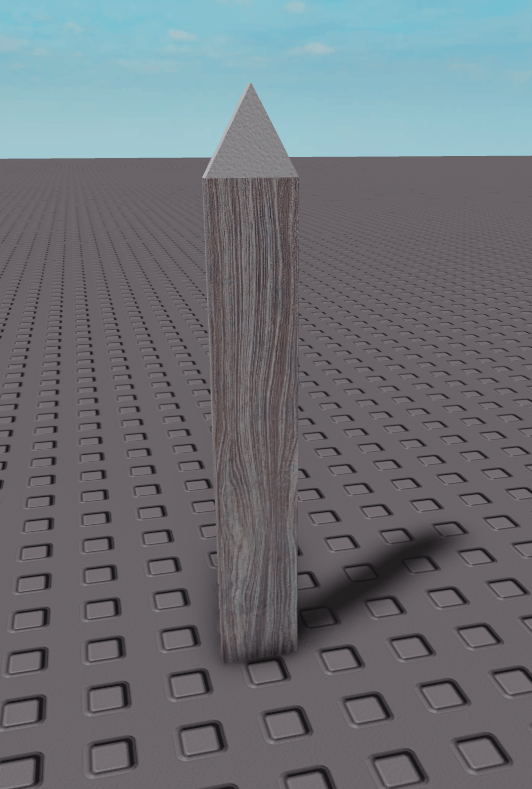
That resulted in this

That results in this union. If you want a more clear example, here I unioned a second brick to the fence picket that has an awkward orientation.
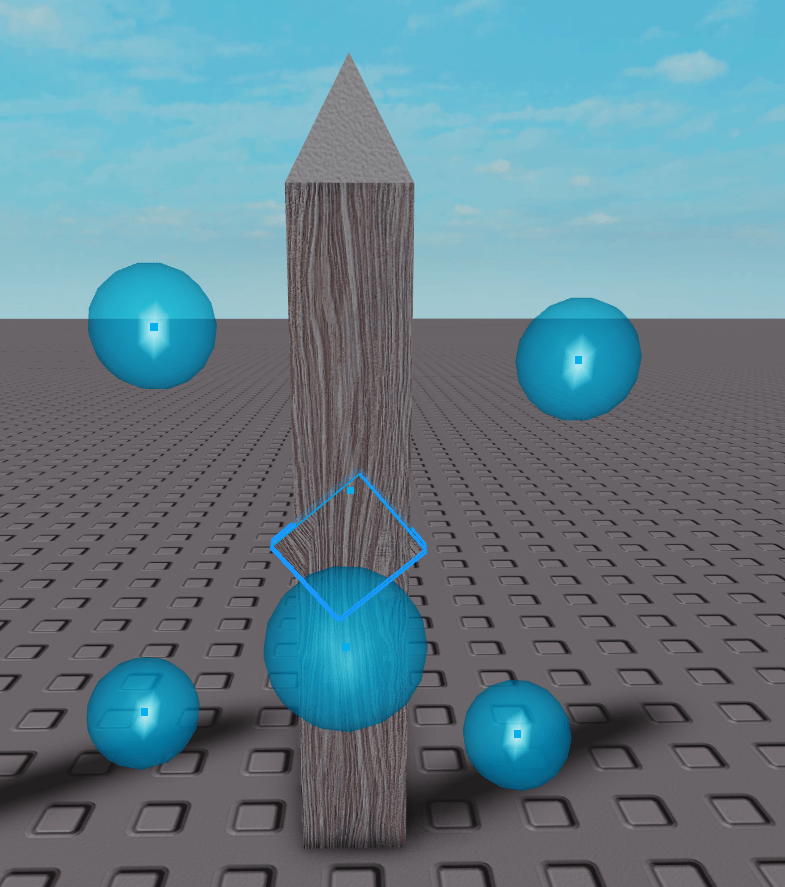
After the union is completed the fence post then has the same wood grain as the odd part because it was selected first.
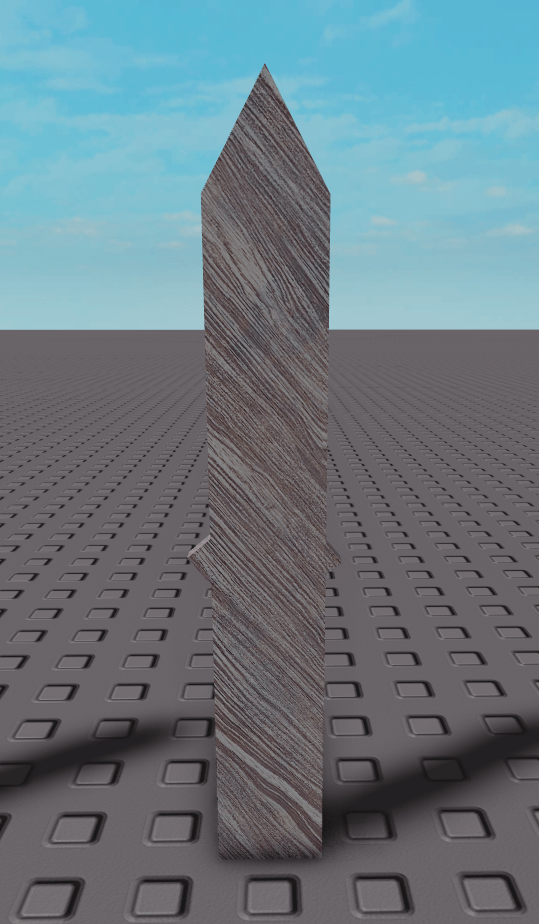
Now lets move onto the new CSG system. In the new system the wood grain isn’t based on the global world orientation so no matter how the parts are rotated, the grain will always respect the X axis as the vertical axis.
“But WoodReviewer, isn’t the Y axis the Roblox vertical axis?”
Yes, yes it is. That means now to make parts have vertical wood grain you first have to rotate them so they are horizontal.
Here is the same fence picket above, but rotated so it is aligned with the X axis.

Now after it is unioned, the wood grain looks like this.
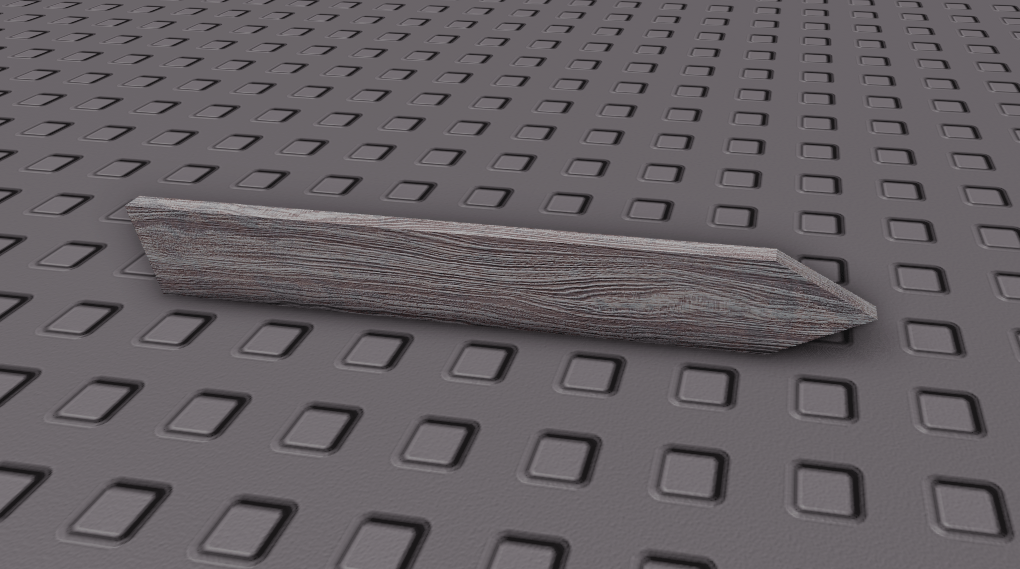
If we go back to the above example with the rotated brick in the middle and try and union it in the new system, we get this as the result. The wood grain still follows the X axis.

So, which system is better? Honestly, I’m not sure. As someone who has used the CSG system for the better part of a decade, the old systems ability to instantly change the orientation of a part without rotating the entire union was useful. But this new system will let you combine unions of 50+ parts without having to select a specific part first to have the grain go the correct way. It is also useful because now imported meshes and unions will have the same orientation which may be useful. I haven’t messed with the new system enough to give a definite answer.
One big thing is performance is much better. Take the single pickets, for example. Under the old system, each one was 28 triangles. Under the new system each was only 20. For the one with the triangle the old system was 68 tris, while the new one was only 48.
In another example, I combined 10 pickets into a single union. The old CSG system had the following union at 550 tris, while the new system had 172. That is a massive improvement.
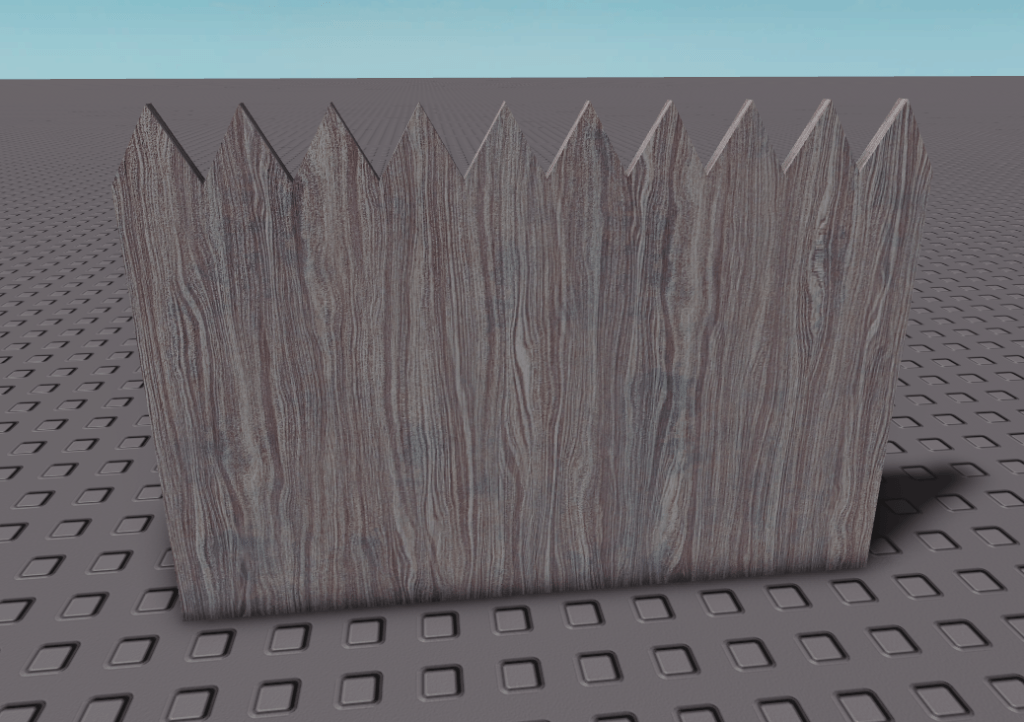
However, the new system had some issues with textures not working correctly which lead me to today’s gift, this picket fence.
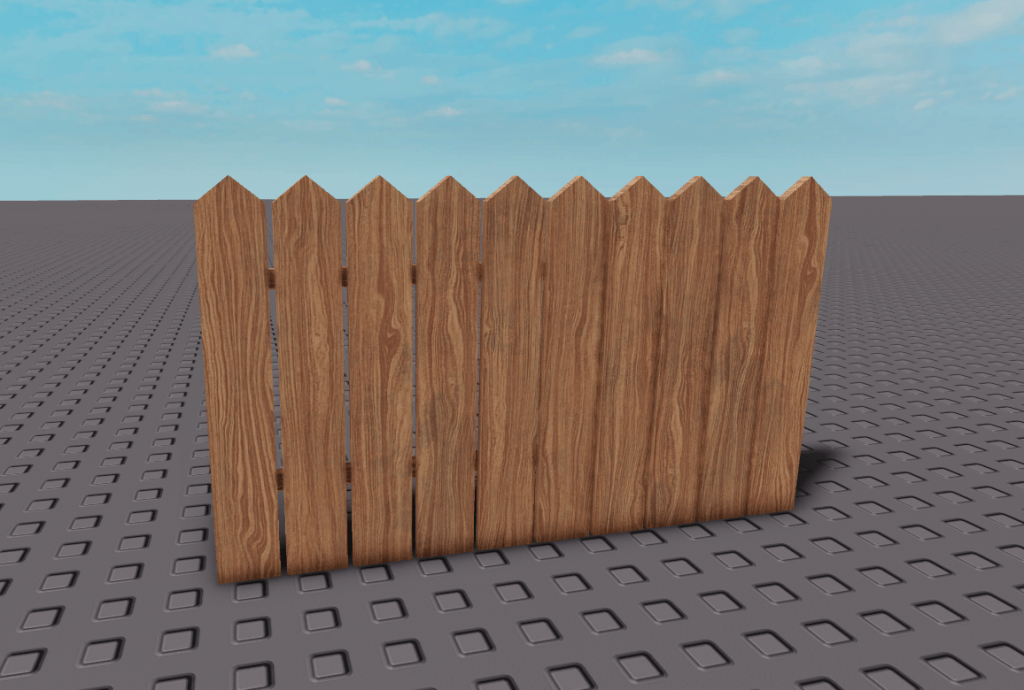
Was that a bit much for a blog post about a wooden fence? Yes. But it basically boils down to this: Old CSG system aligns wood grain to the first part selected in a union, new system aligns it to the global X-axis. I do have some feedback to give about this new system, but that is for a later date. Between this advent calendar and something else, this month is going to be very busy for me.
 WoodReviewerRBX