Hello there corner wedge lovers of Roblox, WoodReviewer here and welcome to day 16 of my 2024 Advent Calendar. Today we are going to go over the second least used part shape on Roblox, corner wedges. Do I have any info that this is the second least used part type? Not really, but I do go back through the 7 years of my advent calendars, nearly 175 gifts, and I found about 3 corner wedges total in the master files I have for building the gifts and taking screenshots. So atleast personally, not a fan. So what do I have to show them off?
Why a podium.
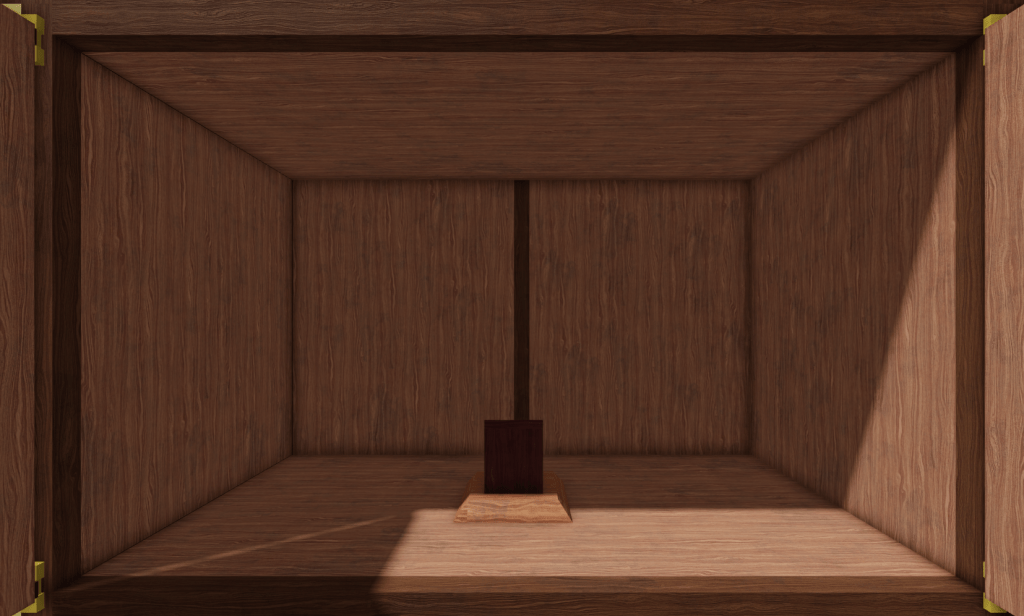
But before we go into the podium, we need to focus on corner wedges a bit. What are they? Basically they are to fill in the gap when two wedges join, like below.

Like all other parts, meshes, and now CSG unions on Roblox, corner wedges have the same wood grain orientation as a part does when it is inserted into studio. So while a brick has this wood grain.
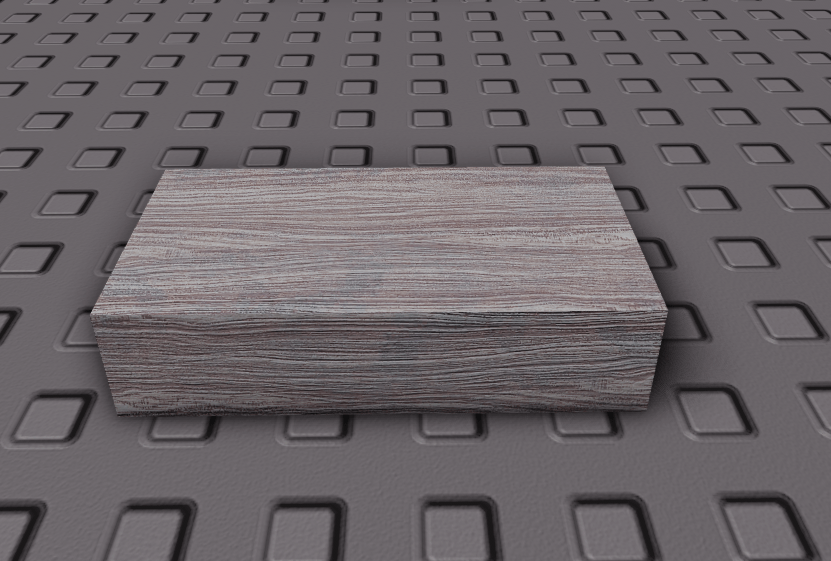
A corner wedge has this wood grain.
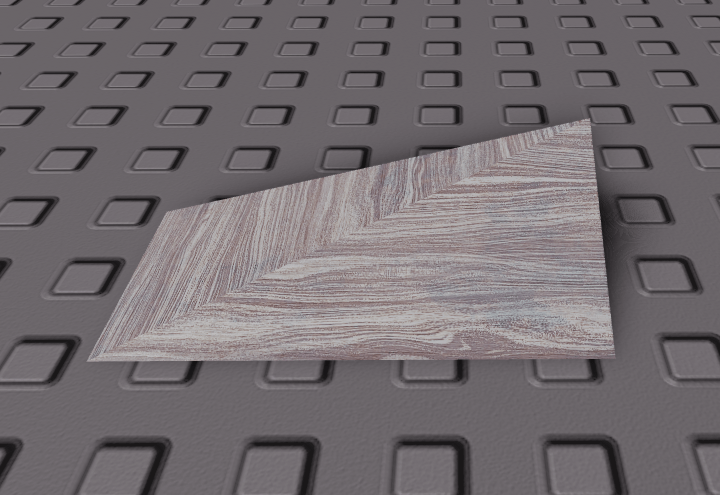
With the bottom having this wood grain.
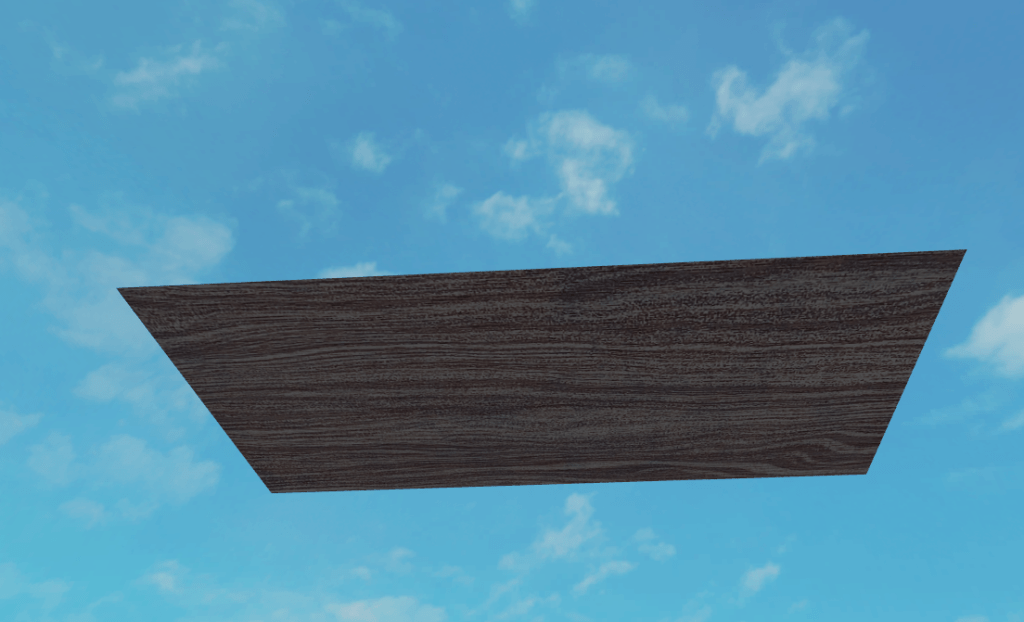
The problem is this is if the corner wedge has the peak in the back right corner. If it has the peak in the back left it has this wood grain.

With the bottom having this for wood grain.

If you are keeping score at home, this is bad as the grain should follow the longest side. Much like wedges, the best way to fix this is to make a custom mesh but with how little corner wedges are actually used the best option is just to use CSG, especially since in a majority of uses they are next to a wedge anyway. Take this piece of trim, for example.

Just unioning it to the wedge fixes the wood grain.
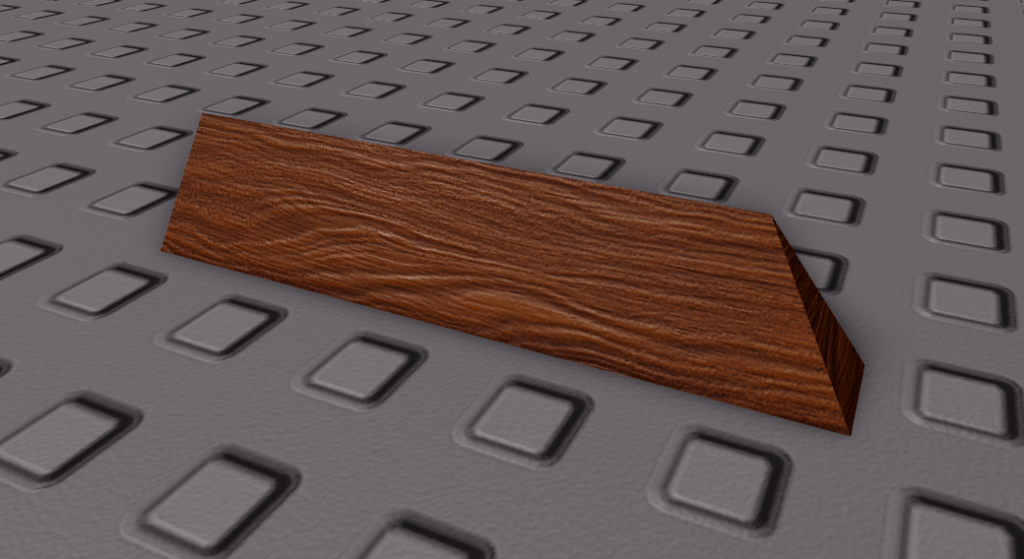
This technique is what I used for the trim on the bottom of my podium, which consists of two sets of unions with corner wedges and some wedges to fill in the gaps.
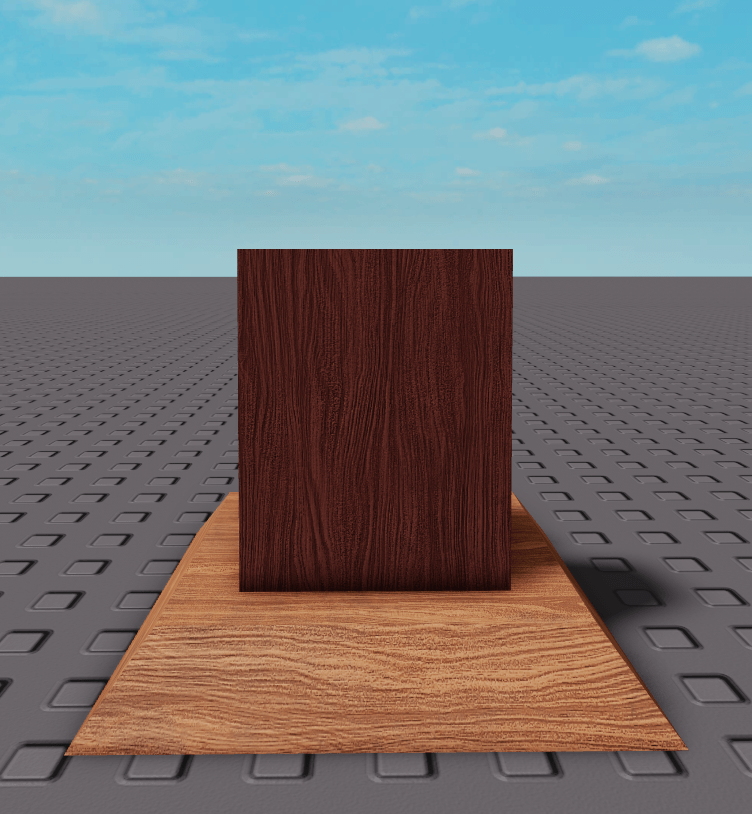
And now a back view to show the included shelf.
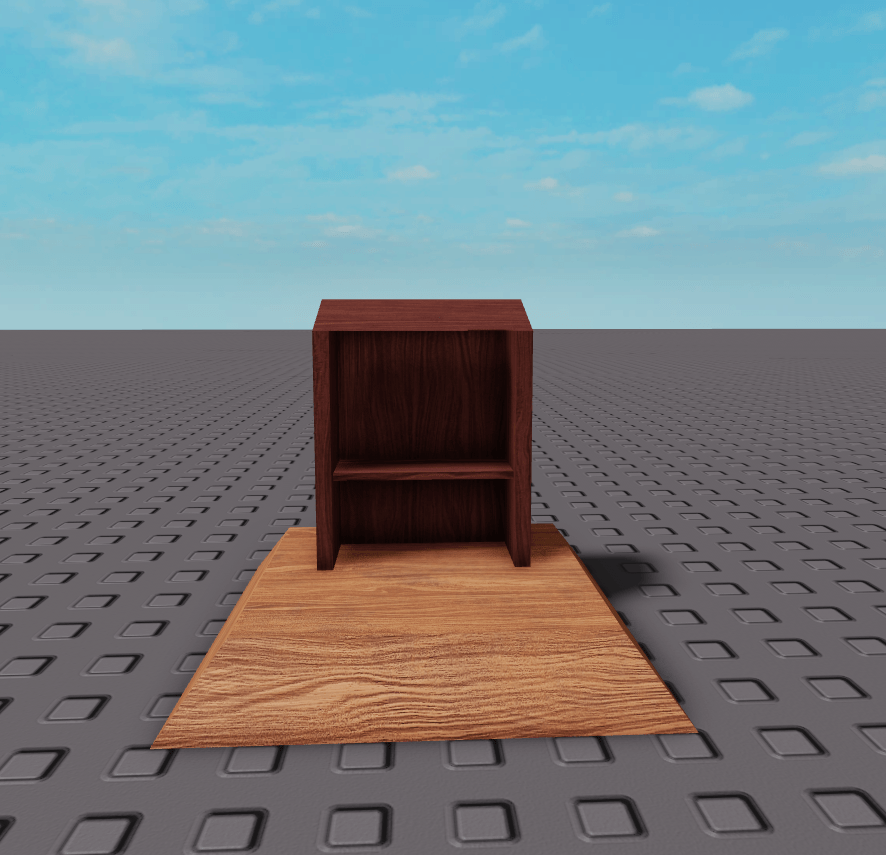
And with that my look at part types on Roblox and how to use them is almost done. Today is the last gift that shows how to make them, but tomorrow’s gift will involve the last one. How is that possible? Come back tomorrow and see.
 WoodReviewerRBX